
If you’ve seen the error “There is an IP address conflict with another system on the network,”, then you’re most likely having internet connectivity problems. Fortunately, this problem has a simple and easy fix.
Cause of the Problem:
Every single device connected to your router is assigned a unique IP address so that Windows XP will know how to communicate with the device. However, due to certain circumstances or changes to the network, it’s possible that the same IP address was assigned to multiple devices. When you boot up your computer, Windows XP requests the full table of IP addresses (most likely stored in a central location like your router) and checks whether or not there are conflicts. If there are conflicts, Windows XP’s protocols will detect and warn you accordingly.
Solving the Issue:
To solve the problem, the simplest solution is to ask your router to renew and reassign all the IP addresses on the network. In order to do this, just follow this simple 5-step procedure:
- Bring up the command prompt. This can be achieved by going to the “Start” menu and selecting “Run”. When the Run window pops up, type in “cmd” (this and the following commands should be without quotes) and press OK.
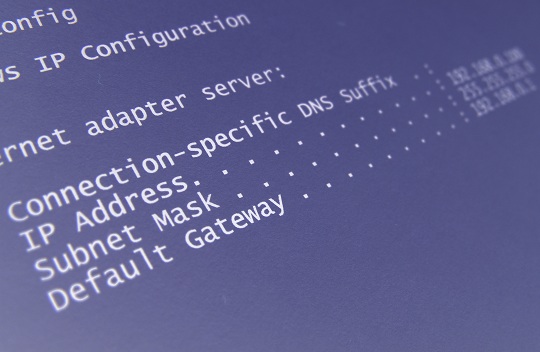
- Enter “ipconfig/all” and hit enter. This should bring up a list of all the IP addresses (and other information) for the devices installed in your computer.
- Type in “ipconfig/flushdns” and hit enter. This command resets the cache that stores host names (that identify devices) and their corresponding IP addresses.
- Enter “ipconfig/release” and hit enter. This command releases the IP addresses for all current network devices and adapters.
- Type in “ipconfig/renew” and hit enter. This command automatically reassigns IP addresses to all DHCP configured devices. At this point, the problem should be solved, but if you want to be certain, you can type in “ipconfig/all” to check the list of IP addresses yourself.
Additional Help
If you don’t feel comfortable changing IP addresses or if you don’t understand exactly how to renew the DNS cache, you can always use TalkLocal to connect with highly quality local IT professionals immediately. We will connect you with up to three professionals in your area who will be able to help you when you need it.


